This test post was generated using the block theme Emptytheme in WordPress 6.1.1.
Navigation block with page list:
Site logo:
Site title:
Fleeko WP Theme Testing
Tagline block:
Query loop “Title & Date” variation:
-
Template: Sticky
-
Post Format: Quote
-
Post Format: Chat
-
Taumatawhakatangihangakoauauotamateaturipukakapikimaungahoronukupokaiwhenuakitanatahu
Query loop “Title & Excerpt” variation:
-
Template: Sticky
This is a sticky post. There are a few things to verify: The sticky post should be distinctly recognizable in some way in comparison to normal posts. You can style
-
Block category: Widgets
The shortcode widget: The Archive Widget: The same Archive widget but as a dropdown: The Category widget block has an additional option for showing category hierarchies: The Latest Comments widget
-
Block category: Layout Elements
The Layout Elements category includes the following blocks: Group, Button, Columns, Media & Text, separator, spacer, read more, and page break. This group block has a light green background color.
-
Block category: Formatting
The formatting category includes the following blocks: The classic block can have almost anything in it. a heading The custom HTML block lets you put HTML that isn’t configured like
Query loop “Title, Date & Excerpt” variation:
-
Template: Sticky
This is a sticky post. There are a few things to verify: The sticky post should be distinctly recognizable in some way in comparison to normal posts. You can style
-
Keyboard navigation
There are many different ways to use the web besides a mouse and a pair of eyes. Users navigate for example with a keyboard only or with their voice. All
-
Markup: HTML Tags and Formatting
Headings Header one Header two Header three Header four Header five Header six Blockquotes Single line blockquote: Stay hungry. Stay foolish. Multi line blockquote with a cite reference: The HTML
-
Markup: Image Alignment
Welcome to image alignment! The best way to demonstrate the ebb and flow of the various image positioning options is to nestle them snuggly among an ocean of words. Grab
Query loop “Image, Date & Title” variation:
-
Template: Sticky
-
WP 6.1 Font size scale
-
WP 6.1 spacing presets
-
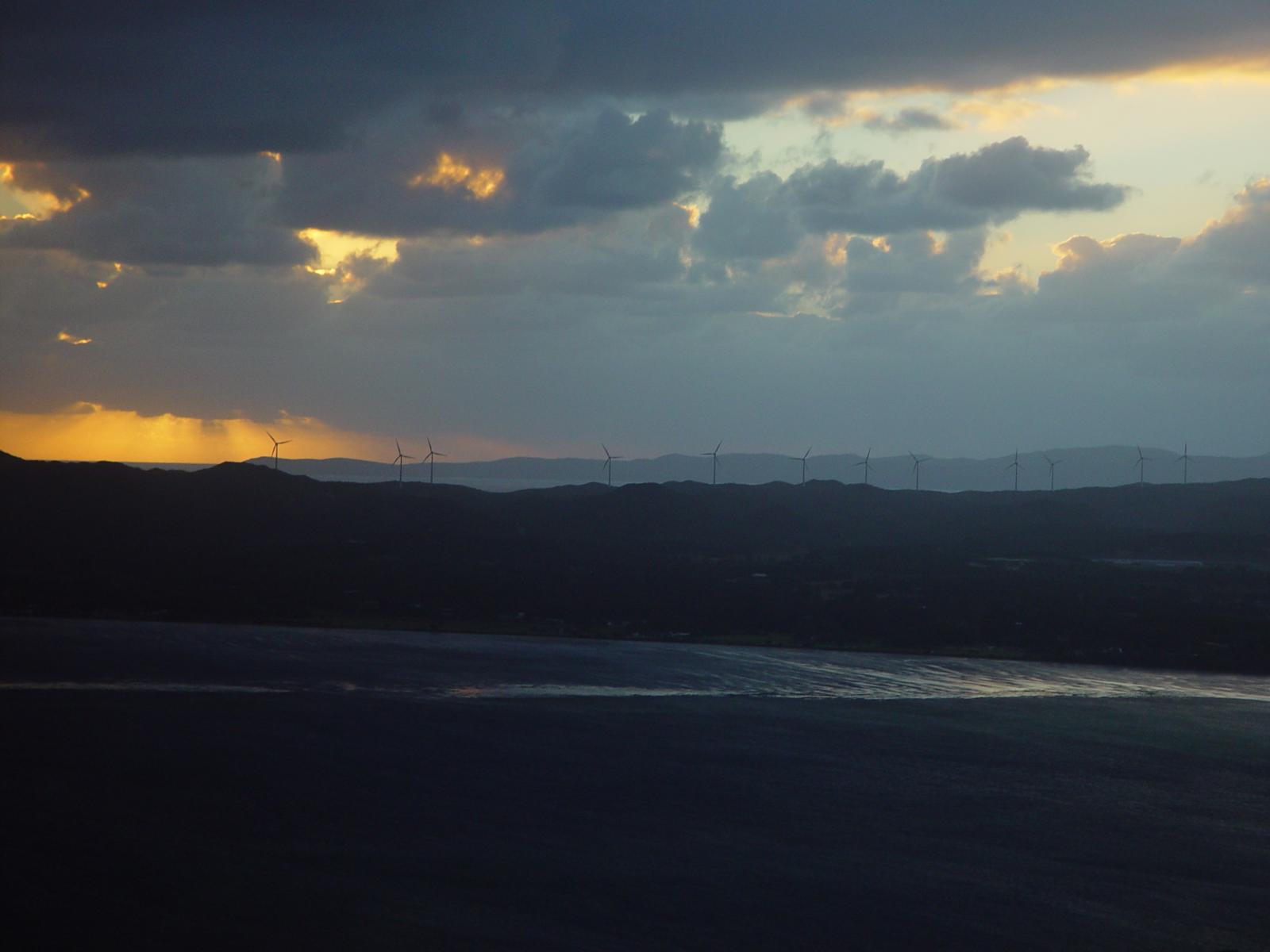
WP 6.1 Theme block category
Avatar block:

Post title block:
WP 6.1 Theme block category
Post excerpt:
This test post was generated using the block theme Emptytheme in WordPress 6.1.1. Navigation block with page list: Site logo: Site title: Tagline block: Query loop “Title & Date” variation:
Post featured image:
Post author:

Post date:
Categories:
Tags:
Next post & previous post:
Read More:
Read more: WP 6.1 Theme block categoryComments block:
One response to “WP 6.1 Theme block category”
-
This test post needs a comment.

Post comments form block:
Leave a Reply
Login/out:
Author biography block:
Term description, archive title, search results title can not be shown on single posts.


Leave a Reply